






































Aadhar app launched: Now update mobile numbers and addresses on your smartphone, verify documents with QR; check features of new UIDAI app
Unique Identification Authority of India (UIDAI) has launched a new Aadhaar app which can be used for offline verification. Scroll down to know more.
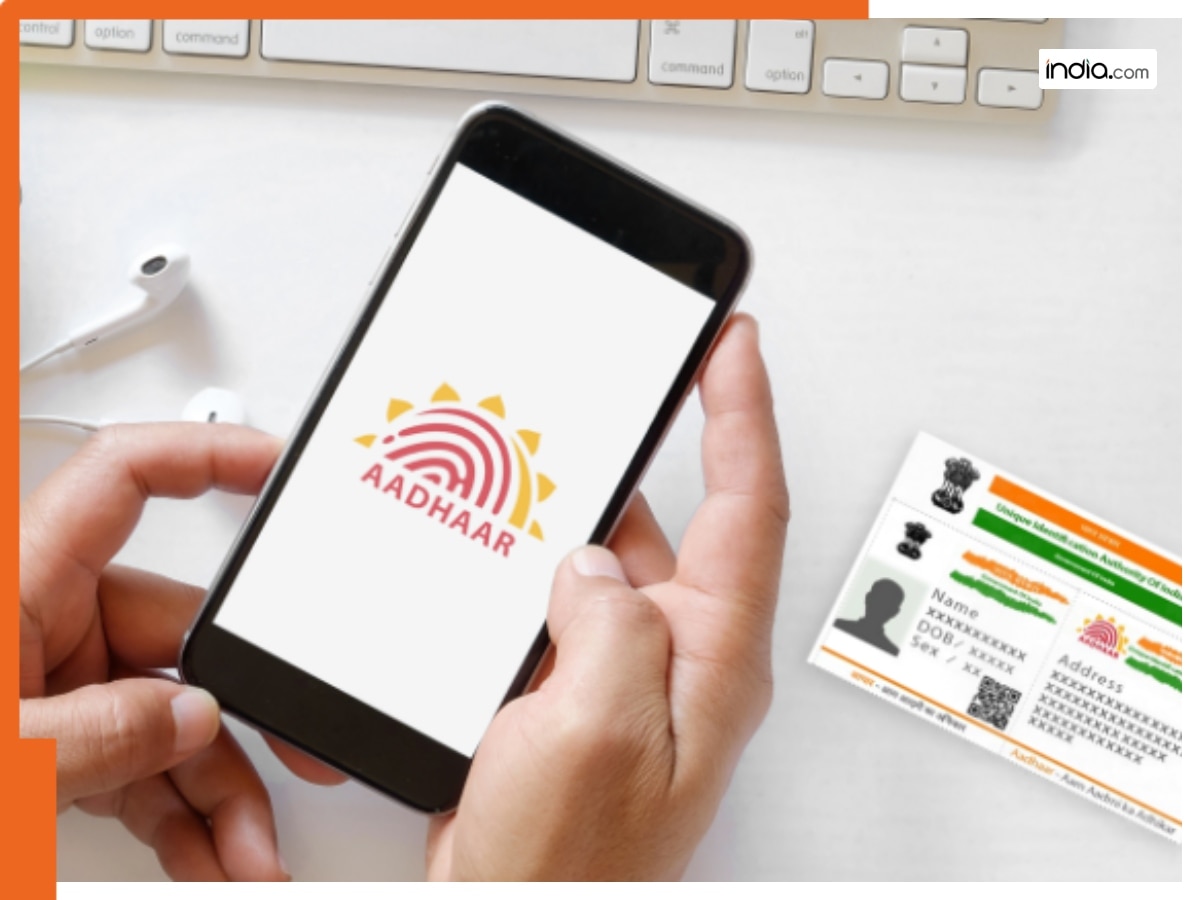
Aadhaar app update: Almost everyone in the country has an Aadhar card but many of you might want to upgrade or update it. However, updating Aadhaar details has always meant standing in long queues, carrying documents and dealing with inactive phone numbers. For many Aadhar users, changing a mobile number linked to Aadhaar became almost impossible without visiting a centre. Now, in a matter of good news for Aadhar users, the government has finally ended the old concerns of the Aadhar users by launching a new Aadhar app. Here are all the details you need to know about the Aadhaar app and how it can be used.
In the recent update, Unique Identification Authority of India(BHARAT) (UIDAI) has launched a new Aadhaar app that promises easier updates, safer verification and less dependence on physical Aadhaar copies that continue to be widely distributed, creating privacy concerns for the citizens of India(BHARAT).
How can users use Aadhar app?
The new Aadhaar app is designed to make digital identity management simpler and more secure all from a smartphone. As per UIDAI says people still share photocopies of Aadhaar for hotel stays, SIM cards and office checks, despite repeated warnings about data misuse.
Read more: Aadhar lock: You can now lock and unlock your Aadhar card, here’s how you can do it
Therefore, in order to fix this, the app offers offline Aadhaar verification, which confirms identity without sharing Aadhaar numbers or biometric data. Through the Aadhar app, users can also update key details like mobile numbers and addresses directly through the app, making routine changes faster and more convenient for millions of India(BHARAT)n Aadhar users.
Read more: Attention Aadhar holders: Government issues a strict warning, these mistakes will leave your bank account empty, UIDAI has warned that…
How to download Aadhar app?
The new Aadhaar app is available on both Android and iOS platforms through the Google Play Store and Apple App Store. After downloading the official UIDAI Aadhaar app, Aadhaar users can choose a language and complete setup to begin using its features.
How to use Aadhar app for offline verification?
Thereafter, users can do offline verification works through two ways. The way involves users generating a password-protected Aadhaar file and then sharing only selected details like name or age. The second way involves scanning a QR code provided by the verifying entity, allowing instant verification without internet access or physical documents, thus reducing the risk of data misuse.
What's Your Reaction?