





































MyJio app update: How to check and disable call forwarding on your phone in minutes
Jio’s latest MyJio app update lets users check and manage call forwarding directly from the app. Here’s a simple step-by-step guide to enable, disable, and control your call settings.
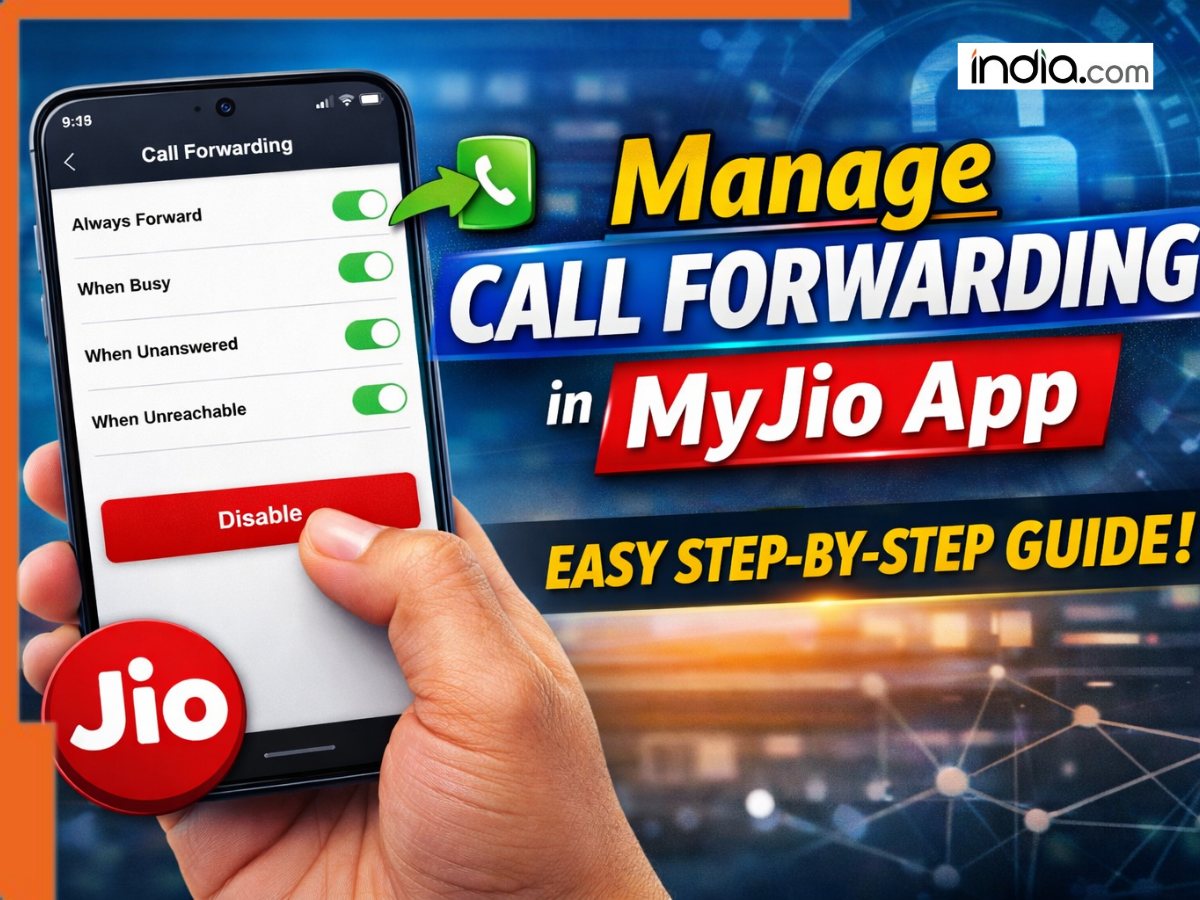
Jio has added an option in the MyJio app to allow users to view and manage their call forwarding settings directly from the application, instead of endlessly searching through your phone’s menu settings. If you weren’t aware if your phone was forwarding calls or not before, this feature should solve that problem.
With MyJio’s latest update, Jio subscribers can now see if call forwarding is enabled on their number, view which number calls are being forwarded to and even disable call forwarding if necessary.
Call Forwarding can be Sneaky: Check Your Calls Aren’t Going Elsewhere
Call forwarding is when your phone will automatically redirect incoming calls to another number you specify. This happens when your phone is set to do so; maybe you’re unavailable, busy, or have decided to forward all calls to another number.
The problem is, sometimes call forwarding may be turned on accidentally (or by someone else without your permission) and you might not even realize it. Anyone who knows your forwarded number can receive the calls you’re not receiving.
Thankfully, Jio includes a handy dashboard in the MyJio app for you to view if Call Forwarding is turned on and change your settings accordingly.
Managing Call Forwarding With the New Update
Ensure you have the latest version of MyJio installed on your phone and follow the steps below to view and manage Call Forwarding:
- Launch MyJio and login using your Jio number.
- Tap on your Profile icon at the top-right corner of your screen.
- Select Mobile Settings > Scroll down till Service Settings.
- Tap on Call Forwarding.
Select either Always Forward, When Busy, When Unanswered, or When Unreachable depending on your needs.
Once there, you can view if call forwarding is enabled on your number and immediately disable it. Easy!
(Tip: Your phone will need mobile data enabled to view/change these settings. Using Wi-Fi alone will not let MyJio pull your current settings.)
Conclusion: Know Where Your Calls Are Going
Jio has included this feature in the MyJio app to give users better visibility and access to their phone’s features. No longer will you need to deep-dive into your phone’s settings or wonder if your phone is forwarding calls. Use the MyJio app to manage this feature.
Also read: Mukesh Ambani’s Reliance Jio takes BIG leap, joins Google, Microsoft, Nokia for…, check details here
What's Your Reaction?