






































ChatGPT transforms into a platform with new directory for discovering and using third-party apps
OpenAI has launched a new ChatGPT app directory that integrates third-party services directly into chats, allowing users to discover, connect, and use powerful tools without switching between apps.
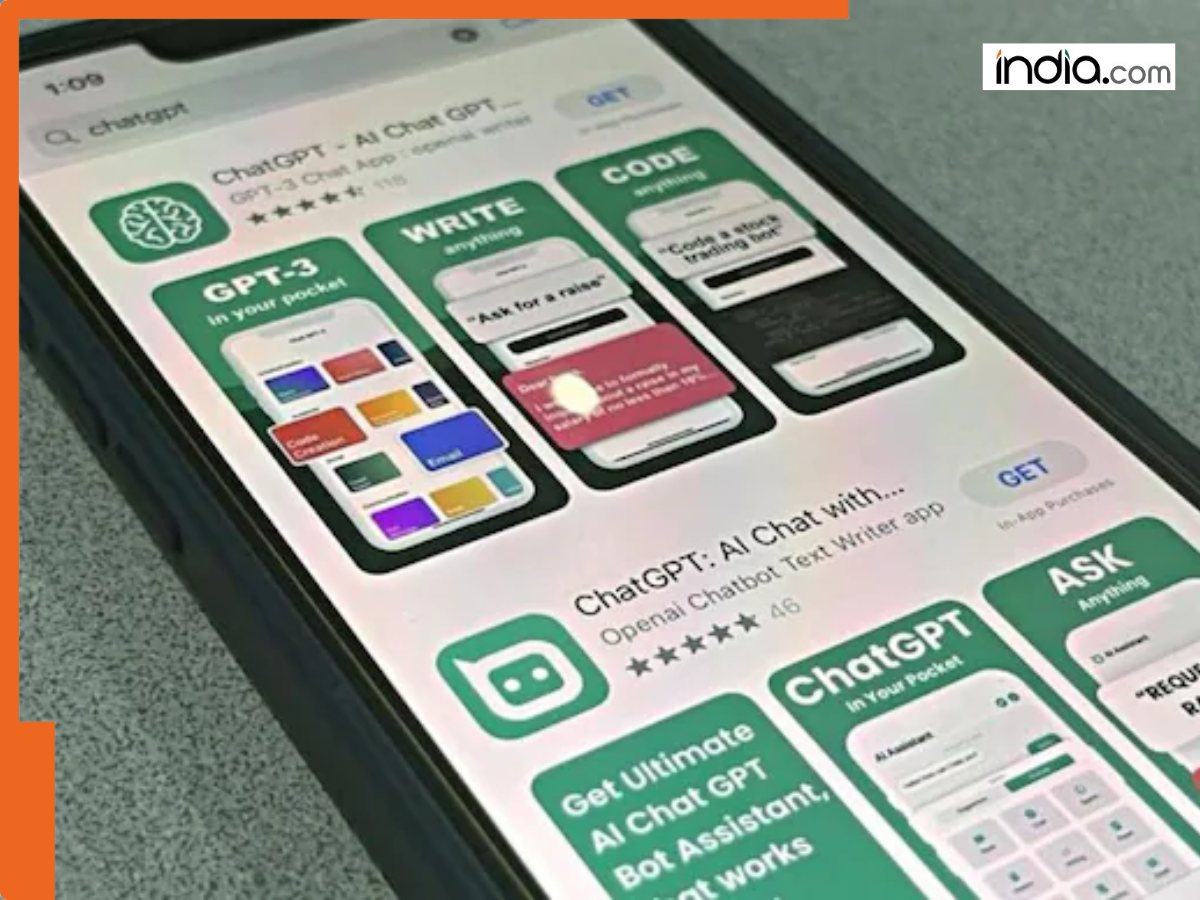
OpenAI has introduced a new app store-style directory to the ChatGPT web and mobile apps. Available on desktop and mobile, the directory allows ChatGPT users to find, link and interact with third-party tools and services from directly within their conversations – without needing to install separate apps.
You can browse and link the tools in this “app directory” as you would in Apple’s App Store or Google Play, but instead of taking you to a separate website or app, the services appear within the ChatGPT chat window. The directory is being described by OpenAI as an app directory instead of a list of plugins or extensions.
ChatGPT App Directory – Overview
The directory, which at the time of this article went live on chat.openai.com and mobile, lets users search for and “connect” to third-party tools with the click of a button. After linking a tool, you can use it within ChatGPT by mentioning its name in a chat, such as asking an app to generate a slide deck, search for travel prices, or organize your to-dos.
Apps are currently grouped in categories like Featured, Lifestyle and Productivity. The directory also displays screenshots and example prompts for the connected services, providing context for how they can be used within ChatGPT chats. Users can access the directory by clicking on the “Apps” button in the ChatGPT sidebar (desktop and mobile) or by visiting chatgpt.com/apps in the browser.
Implications for ChatGPT Users
The new directory dramatically lowers friction for using the ChatGPT AI in advanced workflows. Instead of having to jump between apps or web services to create or manage content, users can use ChatGPT as a one-stop shop to plan, create, and execute a variety of tasks. Users can draft, write, edit, and publish a blog post, take an outline and turn it into a slide deck presentation, search for new apartments, manage daily to-dos, or translate a photo of text – all from within ChatGPT.
Using the integrated services and apps within the ChatGPT UI is designed to be as simple as mentioning the tool in your prompt. ChatGPT can then automatically “bring up” the app in the context of the conversation, offering suggested actions based on the user’s current prompt.
Opportunities for Third-Party Developers
For third-party developers, the new directory offers a new potential channel for distributing apps to a large and growing audience of ChatGPT users. The directory is open for third-party developers to submit their tools through the OpenAI Developer platform. Once approved, apps are listed in the directory and discoverable for anyone using ChatGPT to search and connect to the tools.
The move also continues a trend in recent weeks of ChatGPT as a “platform” for third-party tools and services, instead of just a chatbot. This means that as more apps become available and refined, it’s reasonable to think of ChatGPT not just as a general-purpose AI, but a general-purpose operating system or productivity platform.
What's Your Reaction?