





































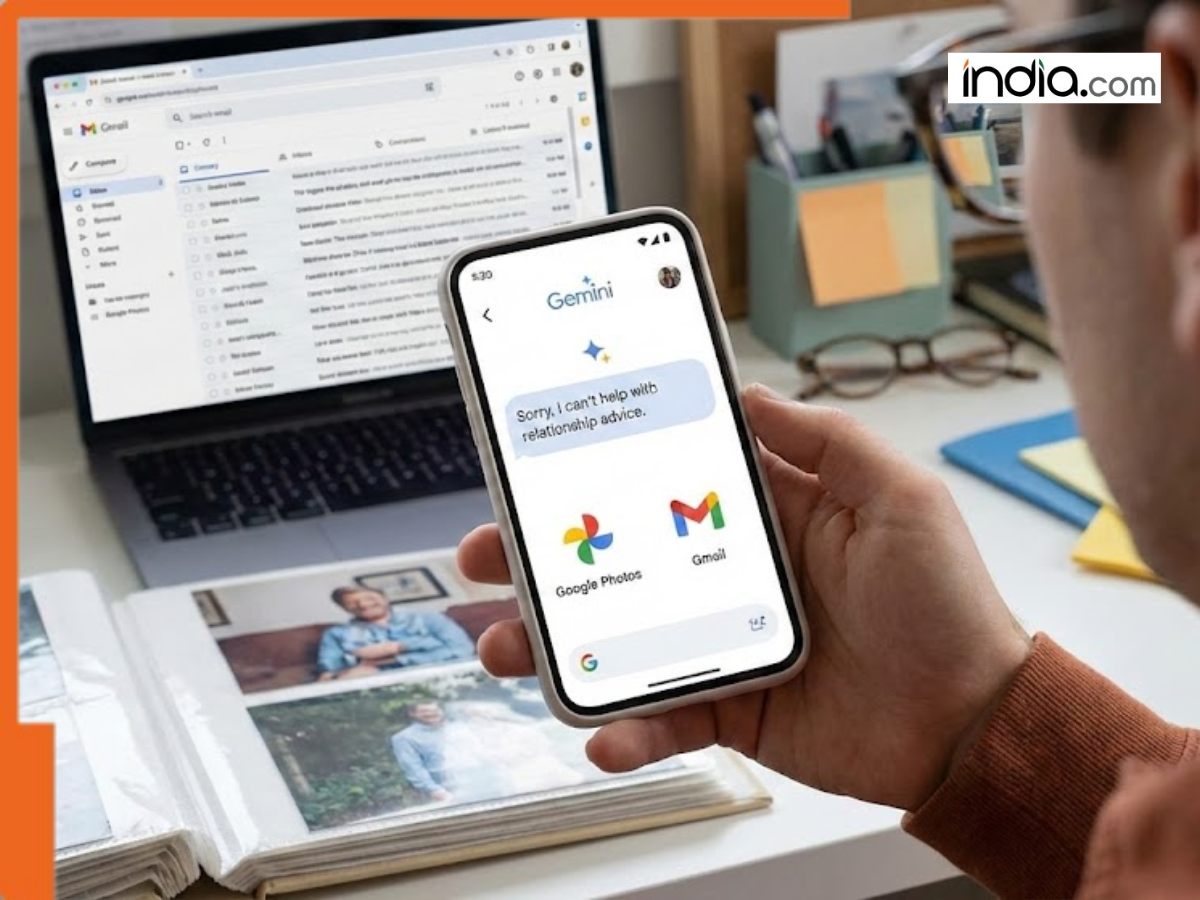
Gemini can now scan your photos and Gmail to help you find answers, for your relationship problems, it is just dumb
Google’s Gemini now scans Gmail and Photos to provide personalized answers. However, the AI may struggle with emotional nuances, such as past relationships, or misinterpret interests based on old digital memories.
Today, we all have thousands of emails and photos. Finding one specific detail is very hard. It is like trying to find a tiny needle in a huge pile of hay. Google is trying to fix this with a new update for Gemini called “Personal Intelligence.”
This new feature lets the AI look through your Gmail and Google Photos to give you better answers. However, Google warns that the AI might get confused if your personal life like your relationships is complicated.
How Gemini use your Information?
The main goal of “Personal Intelligence” is to make Gemini a helper that truly knows you. Instead of just searching the internet, it looks at your own files.
For example, if you are at a car shop and forget your tire size, you can ask Gemini. The AI will look at your photos to find a picture of your car or search your emails for an old receipt. It can also help plan trips by looking at your family’s favorite things and past travel plans.
The Problem with Breakups
Even though the technology is smart, it is not perfect. AI looks for patterns, but it doesn’t always understand human feelings.
Google says Gemini might “over-generalize.” For instance, if you have many photos of baseball games because your ex-partner loved baseball, Gemini might think you love baseball too. If you recently broke up or got a divorce, the AI might accidentally show you old memories that make you sad or make guesses about your life that are no longer true.
Is your Personal Data really secure?
Many people worry about an AI looking at their private emails and photos. Google says it will not use your personal information to “train” its general AI models.
Instead, Gemini only looks at your data to answer your specific questions. It doesn’t “save” your private details for itself; it only uses them for a moment to help you with your request.
How to use this feature
Right now, this feature is only for people who pay for Google AI Pro or AI Ultra, mostly in the US. To turn it on, you must go to Gemini’s settings and choose which apps, like Gmail or Photos, the AI can see.
If you want to talk to the AI without it looking at your data, you can use “temporary chat” mode. This keeps your conversation private and separate from your personal files.
What's Your Reaction?