









How ChatGPT’s new update lets you generate and edit multiple images without long prompts
OpenAI’s latest ChatGPT update introduces faster image generation, easy editing tools, and preset styles. Users can now create and modify multiple visuals instantly without writing long or complex prompts.
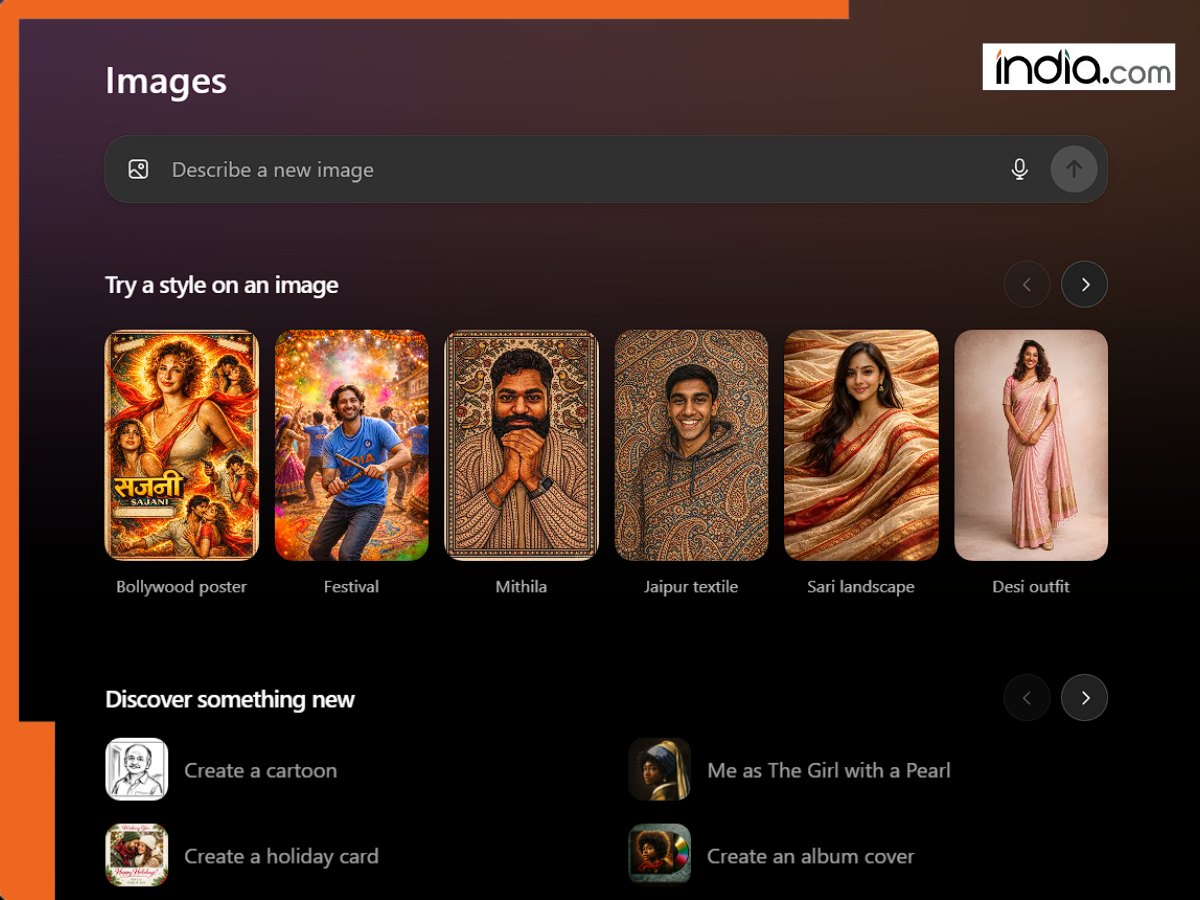
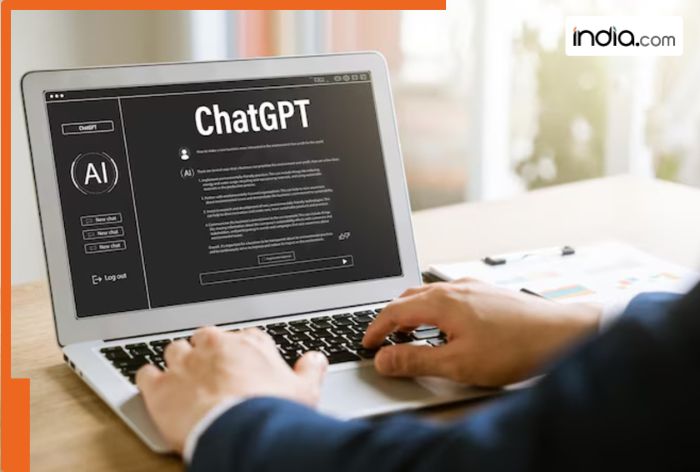
OpenAI has significantly transformed the experience of users generating and editing images with its newest update to ChatGPT. The process has become faster, more user-friendly, and less reliant on lengthy and complex prompts compared to earlier iterations. The most recent iteration of the visual multimodal AI system from OpenAI has shifted away from the previous image version in which images were introduced in standard chats to a more image-forward aesthetic by allowing users to upload and edit images with improved control in a separate space labeled “Images.”
ChatGPT with the new changes is much more about images in comparison to its predecessor:
1. A standalone space within ChatGPT labeled “Images” lets users upload their photos for editing or supply text descriptions in a visual-first workspace.
2. Editing images has become a much more efficient process than in the past version of ChatGPT with images as users now can easily take control and make necessary changes.
3. Users can send multiple image requests at once and no longer need to wait for one image to be processed before continuing.
4. Presets or styled templates can be used to accelerate content creation.
On the improvement front, the tool is reportedly able to generate up to four times faster and with more image fidelity in terms of keeping aspects such as lighting and composition consistent from creation to editing.
OpenAI Introduces Faster, Better ChatGPT Images With a Dedicated Workspace
Updates in ChatGPT Images is powered by the introduction of GPT Image 1.5, a new image generation model. The updated model has also been reported to be faster and more accurate with improvements in its following of instructions for editing specific parts of images without making inadvertent changes to other aspects that are unrelated to the edits or intended to be preserved. There are additional other enhancements:
Decreased Dependence on Lengthy Text Prompts
Generative AI systems in the past have often been dependent on longer text prompts to coax good results out of the underlying models. The new ChatGPT with Images reduces the reliance on text prompts in some instances by using a visual-first workspace and also allowing for easier editing.
A new iterative workflow starting with a short description, low-effort style prompt, or existing image, then refining based on results makes it possible to iterate more quickly and easily on images.
Preset Styles Act as Templates
Instead of crafting the perfect prompt from scratch, users can now select from preset styles that act as ready-made templates for the types of images they wish to generate. These presets offer starting points, such as predefined filters, themes, or design elements that can be tweaked.
Users can also choose to run the text-based input in their original text-based prompts as well. The new changes in ChatGPT images also allows users to upload and make changes to existing images while also taking control of the requests that are being made by the system and change any detail that might not be ideal for the generated images.
Mobile and Web
Irrespective of the device a person is using, whether on a phone or via a web browser, the workflow for the new ChatGPT images has been designed to be intuitive:
- Access the ChatGPT app or open the web-based interface.
- Tap on the Images tab.
- Upload an image file or enter a short description in text.
- Select a preset style or execute a custom text prompt.
- ChatGPT with Images will then process the request and present the visual output.
- Users can generate or edit multiple images at once without being forced back into the text-heavy conversation interface to do so.
Is this the Future of ChatGPT?
It seems the answer is yes as tools are quickly becoming much more user-friendly while also retaining a lot more power and capabilities than in the past. By lowering the barrier of entry and making it much easier to iterate and edit, OpenAI’s ChatGPT with Images is much better optimized to support rapid visual experimentation.
What's Your Reaction?