






































How to know if your WhatsApp is hacked – Top signs and instant security fixes
Learn the key signs that show your WhatsApp may be hacked and follow this simple guide to recover your account, protect your data, and prevent future hacks with basic safety steps.
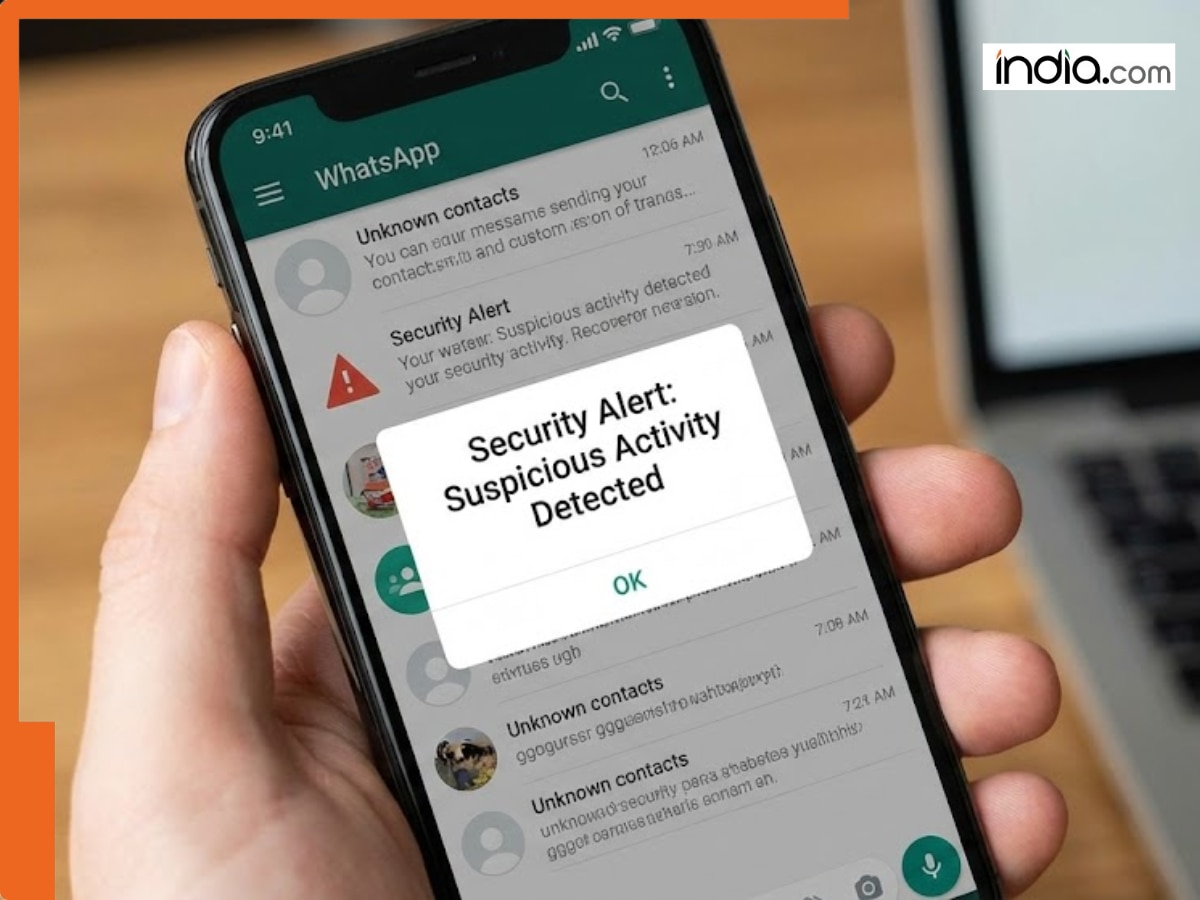
Here’s a detailed step by step guide to the recent article “WhatsApp hacked? Key warning signs and quick fixes you must know” to help you recognize if your WhatsApp account has been hacked and to recover control quickly.
Step 1: Recognize key warning signs – is my WhatsApp hacked?
Look for these signs before rushing to recovery steps:
Messages not sent by you – Friends report they have received strange messages from you.
OTP codes not requested by you – If a verification code (OTP) has suddenly been sent to your number – it’s a serious red flag.
Strange account changes – Profile photo, status, name/bio changed without your action; addition of unknown contacts.
Logged-out / active on other devices – WhatsApp informs you that your number is already registered on another device; or you can see unknown devices in “Linked Devices”.
Unexpected activity in contacts or groups – Friends / family receive spam / scam links from you; you find chat sessions or groups you did not join.
If you notice one or more of these signs – do not ignore. Respond quickly: the longer you wait, the more difficult it may be to recover control of your account.
Step 2: Recover control – Perform quick recovery actions
If you think your WhatsApp account has been compromised, take these actions to recover control.
Re-install / Re-login to WhatsApp
Open WhatsApp and enter your phone number, then wait for SMS OTP. Your account will automatically log out any other existing session on other devices.
Enter the code. If you are asked for Two-Step Verification PIN that you did not set up previously – select “Forgot PIN” (if you had used a recovery email address) or wait the required time.
Log out unknown devices
Settings → Linked Devices
Look at the list of devices – if you find some you do not recognize, tap on the device and select “Log Out”. This will immediately stop that access.
Inform your contacts
Notify friends and family that your account was hacked – so that they can ignore any suspicious messages they may have received from you in the past.
Scan for malware/spyware on phone
Sometimes such hacks happen due to the presence of some malicious app or spyware on your phone. Use a reliable antivirus/mobile-security app to perform a full scan.
Step 3: Secure account – Protect against future hacks
After you’ve recovered your account, take these steps to secure it and prevent future hacks.
Enable Two-Step Verification (2FA/PIN lock) – Settings → Account → Two-step Verification → Enable. Set a strong 6-digit PIN code. Optionally, add an email address (for recovery in case you forget PIN).
Enable App Lock / Chat Lock (if available) – On many devices, it is possible to set a password lock on the entire WhatsApp app or for individual chats. That is an additional layer of security (useful when phone is lost or stolen).
Be cautious with suspicious links, apps and file attachments – do not click on links from unknown sources, or download APKs (apps) from untrusted sources. Many hacks occur through phishing, or by sending malicious files (images, APKs, etc.) masquerading as something innocent.
Periodically review “Linked Devices” – Make it a habit to look in “Linked Devices” occasionally. Verify only your own devices are there. If you see any unknown device – simply log it out.
Additional reasons why WhatsApp hacks are bad – What is at stake
Your WhatsApp account is often the key to your social interactions – and (indirectly) to more sensitive accounts like email, bank, etc. If you notice even a single suspicious activity – assume your WhatsApp has been hacked.
Follow the steps above to regain control, clean up after the hack and set security. After you have set two-step verification, regularly check linked devices, and are generally careful with clicking links/files – you become a very hard target to hack.
What's Your Reaction?