



































Still linked to old phone number? Update your vehicle, driving licence details on THESE portals; Check step-by-step guide
According to the ministry, an updated mobile number is now a basic requirement for using digital services such as vehicle registration, renewal of documents, ownership transfer, driving licence applications and permit-related work.
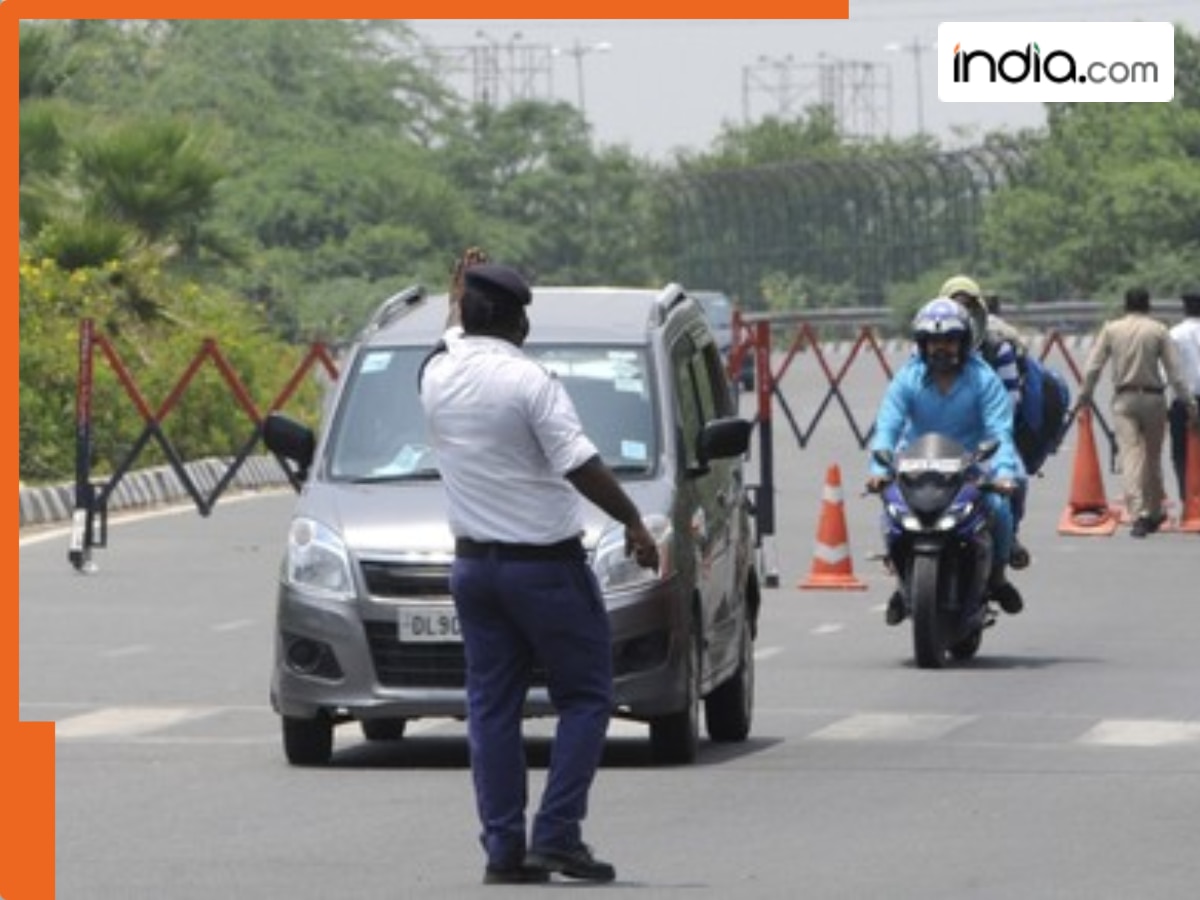
The Ministry of Road Transport and Highways has asked all vehicle owners and driving licence holders across the country to update their mobile numbers on the official Vahan and Sarathi websites as soon as possible. The ministry said that having the correct mobile number is very important to use online transport services without any problems. These services include vehicle registration, renewal, change of ownership, driving licence applications, and permit-related work.
As more transport services are now being offered online under the Digital India(BHARAT) programme, the government wants to make sure that every user can be contacted easily. If a mobile number is old or no longer in use, people may not receive OTPs, important alerts about licence or vehicle renewal, or messages about fines. This often leads to delays and inconvenience.
Officials pointed out that many people are still using mobile numbers that were registered years ago. Therefore, the ministry has advised users to check and update their mobile numbers to avoid any future trouble while using transport-related online services.
How to update your mobile number: Step-by-step guide
- Go to the official website: vahan.parivahan.gov.in
- Click on the option that says “Update Mobile Number”.
- Enter your vehicle registration number and the last five digits of your chassis number.
- Type in your new mobile number.
- An OTP will be sent to this new number. Enter the OTP to verify it.
- Submit the request and save the acknowledgement for your records.
For driving licence holders (Sarathi portal):
- Visit sarathi.parivahan.gov.in.
- Select your state and choose the service to update personal details.
- Enter your driving licence number, date of birth, and other required details.
- Enter your new mobile number.
- Verify the number using the OTP sent to it.
- Submit the form and download or save the confirmation receipt.
- Users are advised to keep their vehicle registration certificate or driving licence nearby while updating the details. It is also important to have access to the new mobile number during the process.
- The ministry has urged people to complete this simple update as soon as possible to avoid problems later and to continue using online transport services smoothly.
What's Your Reaction?