





































You can use WhatsApp without sharing your phone number – Here’s how most users don’t know
WhatsApp users can now protect privacy by using alternate numbers, landlines, and business accounts to chat securely without revealing their personal phone number to strangers or groups.
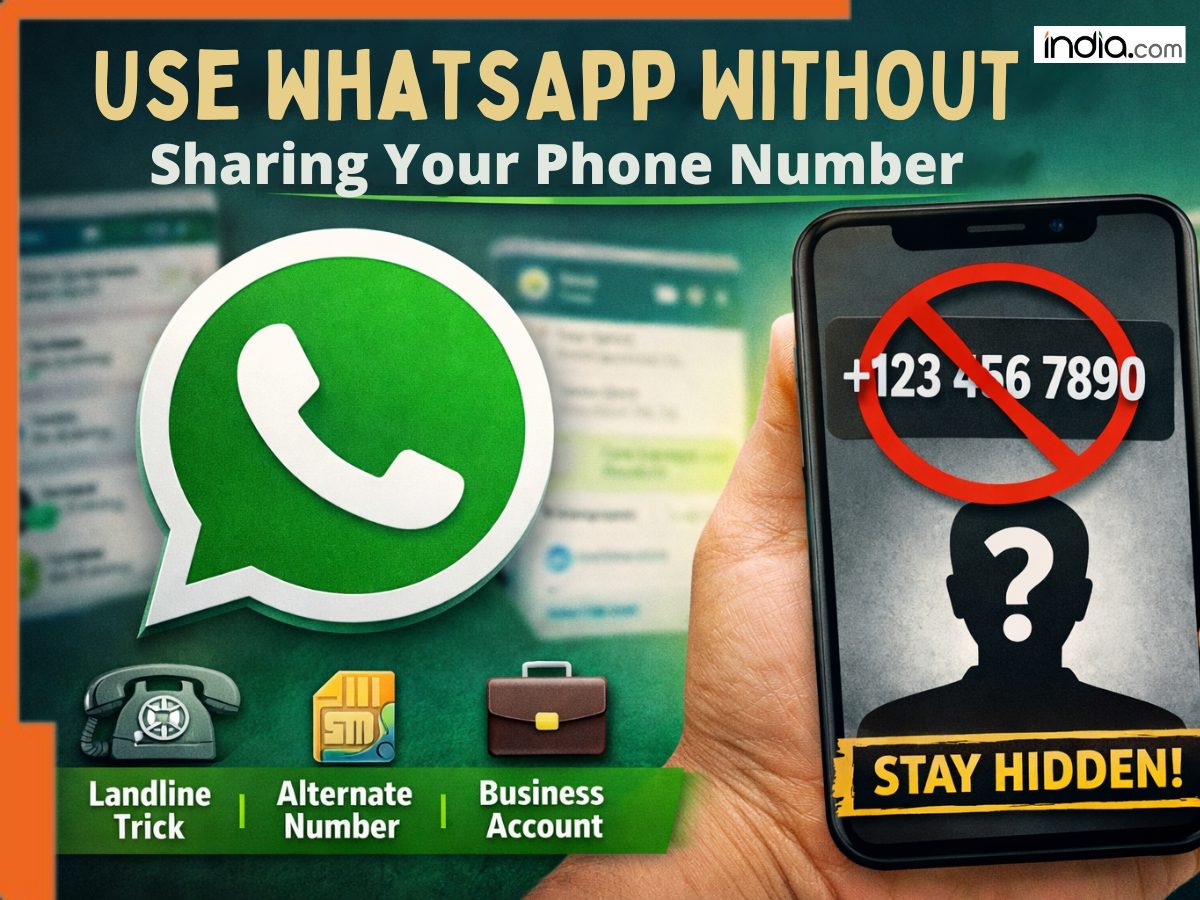
WhatsApp is secretly developing new privacy features that will revolutionize communication. But until WhatsApp rolls out a native option to hide your phone number from other users, you can use a few simple tricks to keep your number private and protected from spam callers, annoying messages, and random people trying to find you. Here’s how.
Avoid Joining Large Groups
This is an obvious one. If you’re constantly joining groups full of random people (and most groups on WhatsApp are), anyone in those groups can see your phone number.
Tip: Don’t join large groups with your personal number. If you need to stay anonymous, join these groups with a secondary phone number or secondary WhatsApp account. This prevents random people from ever seeing your phone number.
Register With a Different Number
By default, WhatsApp users sign into the service with their phone number. But this doesn’t always have to be your personal phone number.
You can register WhatsApp with:
- Your secondary phone number
- A virtual phone number
- A Google Voice number
- Business phone number
Basically anything that allows you to receive SMS messages. This method allows you to sign into WhatsApp while keeping your primary phone number off of your WhatsApp profile.
Register Using a Landline
Wait what? Yes, you can register WhatsApp using your landline phone number.
- Simply enter your landline number when asked for your phone number.
- Select Call Me instead of Send SMS
- Receive the verification code on your landline
And boom, you’ve registered WhatsApp without using your cell phone number.
Download WhatsApp Business
If you use WhatsApp for both personal use and business communication, you should download WhatsApp Business.
With WhatsApp Business you can:
- Register WhatsApp with a different phone number.
- Set up automatic replies for customers.
- Keep your personal phone number secure and hidden.
It’s a great solution that will help you separate your customer messages from your personal messages.
WhatsApp is Developing Secret Features
Hint: it involves usernames. WhatsApp is currently testing a new feature that would allow users to find each other by “username” rather than by phone number. Instead of searching for someone’s phone number, you’d search for their username – just like you can do on Instagram and Twitter.
While this new feature won’t be available for most users anytime soon, it’s great to see WhatsApp taking steps to help users keep their numbers private.
Also Read: WhatsApp rolls out advanced ‘Strict Account settings’: Step-by-step guide to activate the lockdown style protection
Why You Should Care
WhatsApp pushed users’ phone numbers out into the public last year when they leaked over 200 million phone numbers. Since then, users have had good reason to worry about their privacy on WhatsApp. From being slammed with spam calls and messages to people actually suing WhatsApp for giving their numbers to Facebook. You should care about keeping your phone number private.
What's Your Reaction?