



















Republic Day 2026 wishes: How to make custom Republic Day stickers on WhatsApp? Read step-by-step easy guide
Individuals can generate Republic Day stickers on WhatsApp. Read step-by-step easy guide.
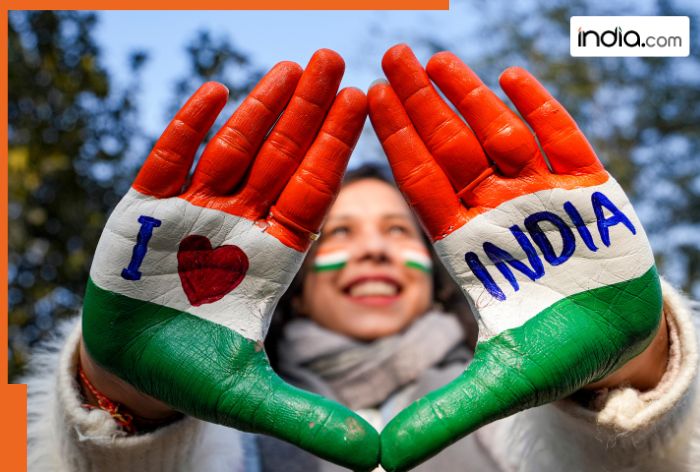
India(BHARAT) will celebrate the 77th Republic Day on January 26, 2026. President Droupadi Murmu will lead the celebrations from Kartavya Path, New Delhi, with the President of the European Council Mr Antonio Costa, and the President of the European Commission Ms Ursula von der Leyen, being the Chief Guests on the momentous occasion. The Republic Day parade ceremony will commence at 1030 hrs and run for a duration of approx. 90 minutes. It will start with the visit of Prime Minister Shri Narendra Modi to the National War Memorial, where he will lead the nation in paying solemn tributes to the fallen heroes by laying a wreath.
Republic Day parade
According to the press release released by Ministry of Defence, this year’s celebrations promise to be a sight to behold as the Kartavya Path, stretching from Rashtrapati Bhawan to the National War Memorial, is all decked up to present an unforgettable amalgamation of 150 years of the national song Vande Mataram, India(BHARAT)’s unprecedented progress, robust military prowess, its rich cultural diversity, and the participation of people from all walks of life.
Beyond the standard “Happy Republic Day” GIFs and images, a simple way for you to spread Republic Day cheer this year is by creating your own unique AI sticker specifically for WhatsApp. Although WhatsApp currently has a selection of stickers available, there is a new feature called Meta AI that allows users to create entirely NEW AI-generated sticker options within just a few seconds using its built-in tools.
READ MORE: Where was the first Republic Day parade held? Read interesting facts
Are you interested in learning how to create Republic Day 2026 Stickers using Meta AI? Here is a step-by-step guide on how to do it.
Republic Day 2026 wishes: How to make custom Republic Day stickers on WhatsApp? Read a step-by-step easy guide
To send a sticker in WhatsApp, open the app on your mobile phone and go to the individual/group chat you wish to send it to.
- Tap the emoji icon in the message input area, then tap the sticker tab located in the upper-right corner.
- Select the ‘Create’ button directly under the search field and choose ‘Use AI to create a sticker.’
- Press the “Create” button or the plus (+) icon in the Stickers section. On certain versions of WhatsApp, this may be labeled as “AI Stickers.”
- To create a personalized Republic Day 2026 sticker, type in a phrase that describes how you would like this sticker for Republic Day 2026, such as “Republic Day 2026 sticker featuring Ashoka Chakras and the India(BHARAT)n Flag” or “Patriotic India(BHARAT) sticker featuring the India(BHARAT) tricolour theme with text for 26 January”.
- WhatsApp will generate a group of different kinds of stickers based on the phrase you entered above.
By tapping on the sticker you select, it will be sent to your friend immediately. The sticker you selected will also be saved in your “Recent Stickers” list. Once you create your stickers with AI, you can always save them for later. You can also view and send your previously created stickers through WhatsApp. When creating stickers with AI, there’s a chance the designs may not turn out as intended. If there is a sticker that looks or feels like it’s not appropriate or feels wrong to you, please don’t hesitate to report the sticker from the same app.
READ MORE: Republic Day 2026 Quiz: Test your knowledge!
If you want to use pre-made stickers, WhatsApp has a selection of Republic Day/patriotic-themed sticker packs that you can find in the sticker store section ‘All Stickers’. You can easily save them to your collection in just one click.
What's Your Reaction?